How can we help?
Pick a topic. Each page gives the steps in order.
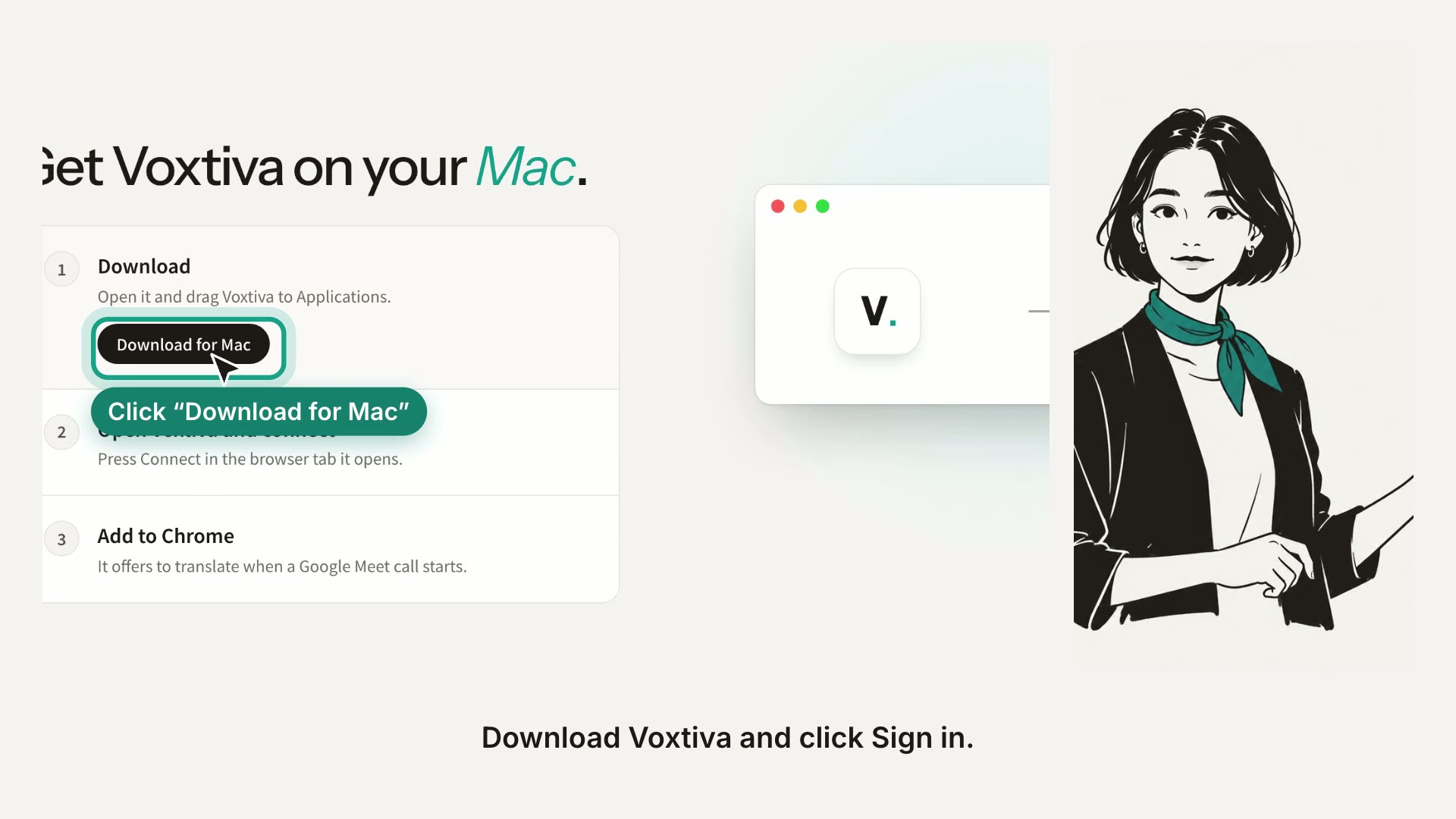
- Set up Voxtiva Install the app, sign in, and let it hear you and the meeting.
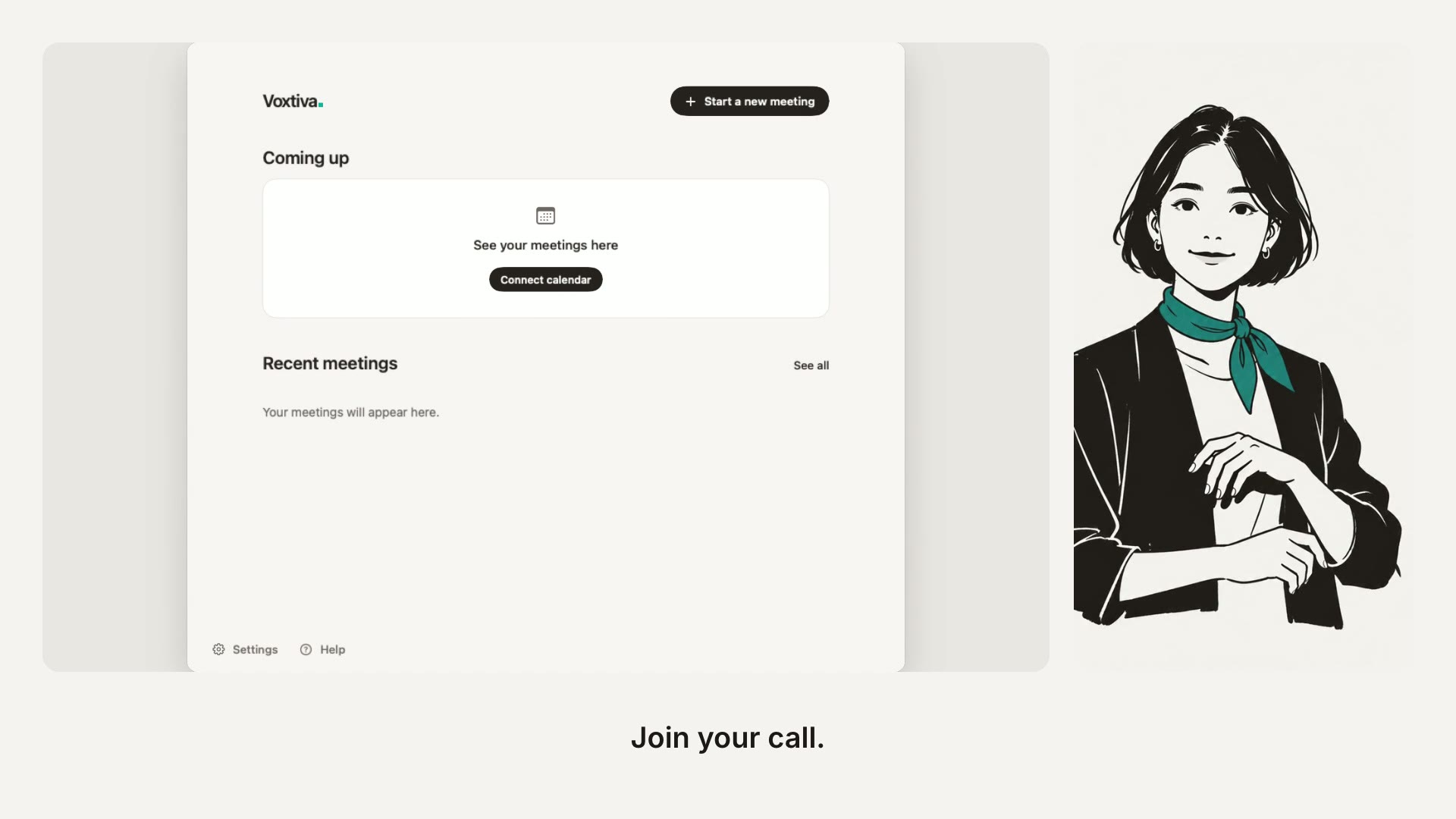
- Your first meeting Start a transcript, read the translation live, and stop.
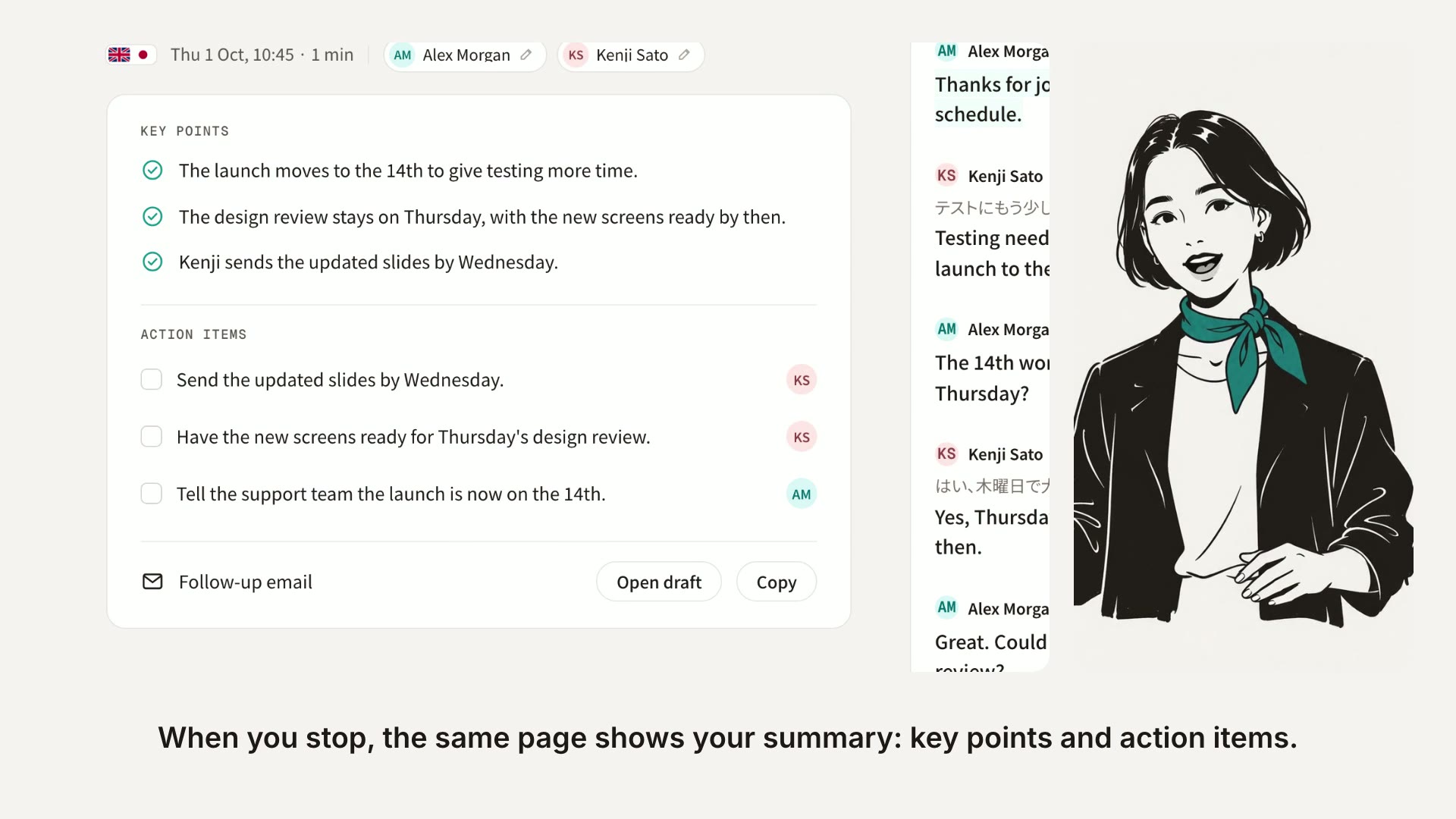
- After the meeting Read the summary, share it, send the follow-up email, and ask questions.
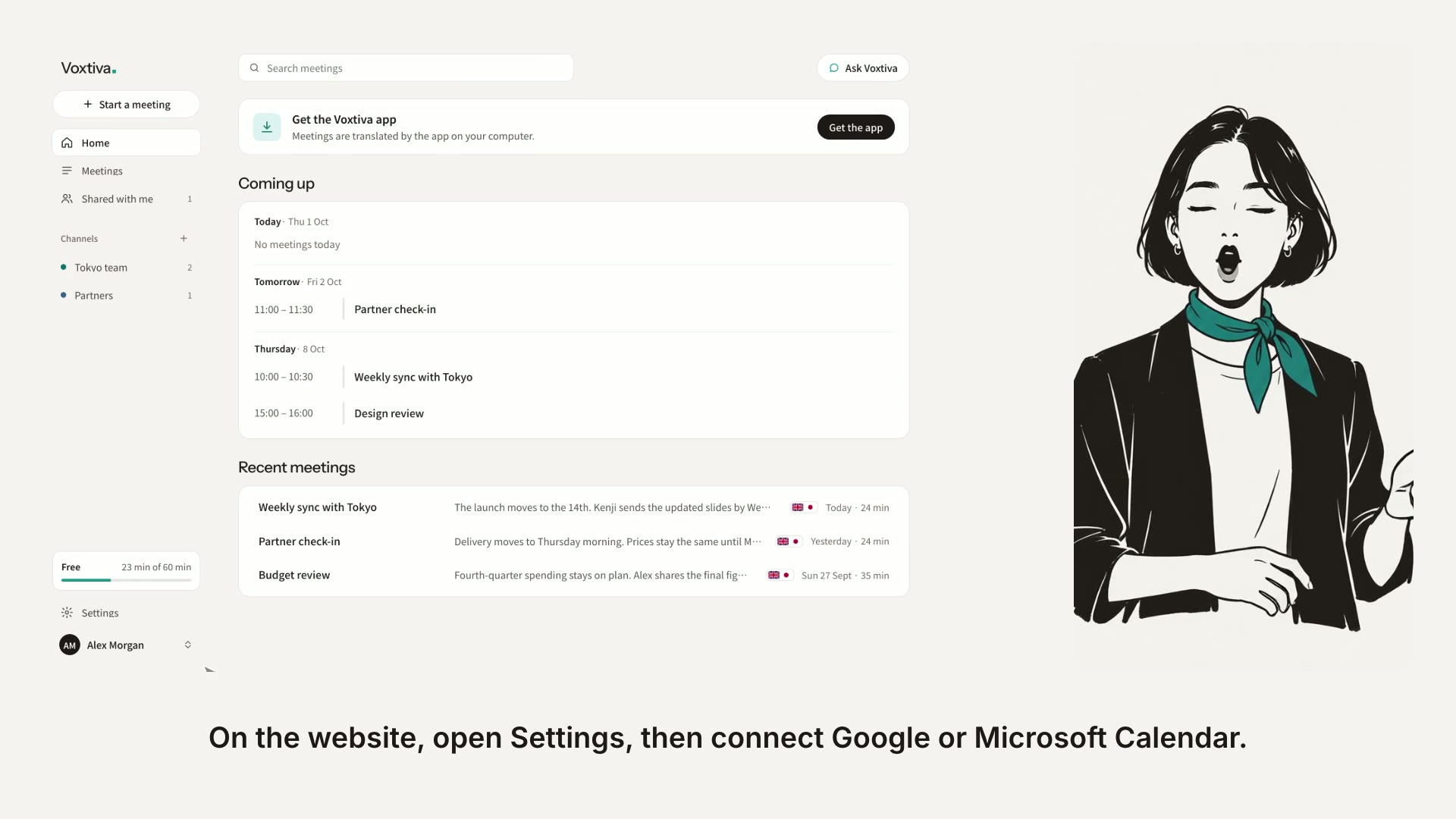
- Calendars See your upcoming meetings, with a reminder when one starts.
- Chrome extension It notices meetings in Chrome and offers to translate them. It is optional.
- Zoom Translate a Zoom call, in the Zoom app or in your browser.
- Something isn't working Fixes for the problems people run into most.
- Plans and minutes Your free minutes, what happens when they run out, and how to change plan.
- Find and organize meetings Search your meetings, rename or delete one, and group them in channels.
- Work with a finished meeting Rewrite the summary, flag lines, add notes, name the speakers, listen again and export.
- Languages and settings Choose your two meeting languages, how transcripts look, and which emails you get.
- Invite people to a live meeting Send a link and a PIN so the people in your call can follow the live transcript.
Still stuck? Email hello@voxtiva.com.